The AI That Works While You Sleep
Every AI assistant claims to be available 24/7. Almost none of them actually work while you're offline. Here's what "always-on AI" actually means — and what it looks like when the AI keeps going after you stop.
There's a version of AI assistance that feels genuinely different from everything else — not because it's smarter in a conversation, but because it doesn't need you in one. It works when you're at dinner. When you're on a flight. When you're asleep.
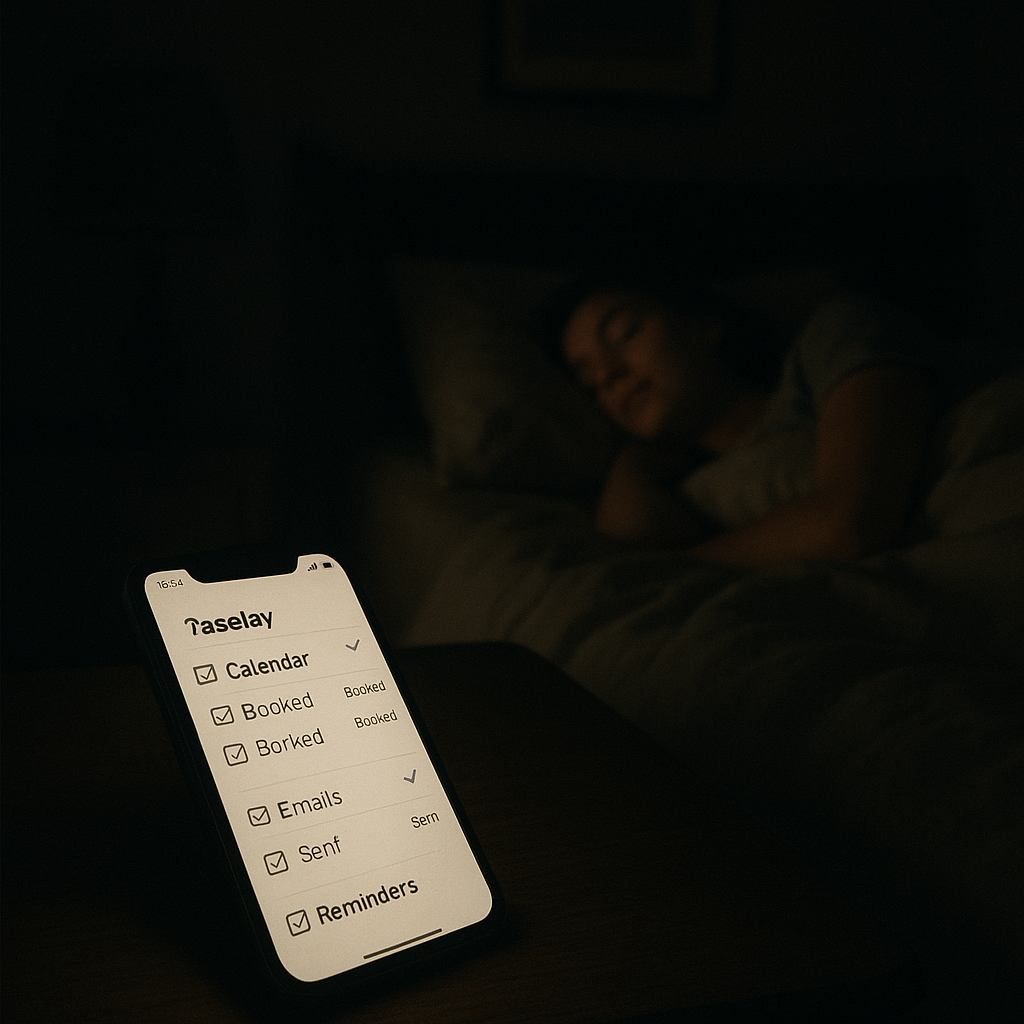
Most AI isn't that. Most AI is on standby, waiting for you to open an app and type something. The distinction matters more than most people realize.
What "always available" actually means
"Always available" means the server is running and will respond when you send a message. It's a technical uptime claim, not a promise about autonomous work. ChatGPT is available 24/7. So is Google. That doesn't mean either of them is doing anything for you at 2am.
The framing matters because it shapes expectations. When people say they want a "24/7 AI assistant," they almost never mean an always-available chatbot. They mean an assistant that continues working on their behalf when they step away. Those are different products.
Definition
Always-on AI
An AI assistant that executes tasks, monitors conditions, and takes action autonomously — without requiring an active user session. "Always-on" refers to autonomous operation, not just server availability. An always-on AI sends the follow-up, schedules the meeting, and alerts you to urgent messages whether or not you're at your desk. See also: always-on AI glossary entry.
Always-on AI is an assistant that operates continuously — monitoring inboxes, watching for triggers, sending reminders, and executing tasks outside business hours — rather than waiting for a user to open an app and issue a command. The distinction is between availability and autonomous operation.
The gap between "available" and "working"
The gap between available and working is where almost every AI assistant on the market lives — and it's exactly where value gets lost.
McKinsey's 2025 AI adoption report found that only 11% of AI users report that AI has materially reduced their workload. That's a damning number for an industry that's been proclaiming a productivity revolution. The reason is precisely this gap: AI that requires your active presence to do anything isn't reducing work. It's relocating it.
The opportunity cost of this gap is also measurable. Harvard Business Review research shows that 73% of leads go cold within 24 hours without follow-up. For businesses that can't monitor and respond around the clock, that's a steady hemorrhage of opportunity. The lead that came in at 11pm on a Friday — the one nobody saw until Monday morning — was already gone.
| Capability | Conversational AI (ChatGPT, Claude) | Always-on AI (Deputy) |
|---|---|---|
| Available when you open it | Yes | Yes |
| Works while you sleep | No | Yes |
| Sends emails on your behalf | No | Yes |
| Monitors inbox for replies | No | Yes |
| Executes recurring tasks | No | Yes |
| Notifies you of urgent items | No | Yes, via text |
What an AI looks like when it's actually running while you sleep
A genuinely always-on AI doesn't wait for you to open an app. It operates on instructions you've given it — some standing (repeat every Monday), some one-off (follow up with James if he hasn't replied by Thursday). It takes action, confirms if needed, and notifies you of outcomes.
This is fundamentally different from AI that chats versus AI that acts. The conversational model is input-output: you're required for every cycle. The always-on model is more like a junior employee — you delegate tasks, set expectations, and get updates.
Deputy works around the clock — you don't have to
Text Deputy once. It follows up, schedules, researches, and notifies you — whether you're in a meeting or asleep.
Try Deputy FreePay only when Deputy does work for you.
What Deputy does between 11pm and 7am
What Deputy executes overnight depends on what you've asked it to do. A few examples from how current users use it after hours:
- Follow-up monitoring. If you've asked Deputy to follow up with a lead after 48 hours of silence, it sends that email whether it's 2pm or 2am when the window closes.
- Inbound lead acknowledgment. New contact form submissions or inbound emails that match a defined profile get an immediate acknowledgment — drafted in your voice, sent from your email.
- Calendar preparation. Deputy prepares briefings for your next-day meetings and delivers them via text when you wake up — before you've opened your laptop.
- Research tasks. Background research on a company, person, or topic you flagged earlier in the day gets completed and summarized in your inbox by morning.
- Urgent alerts. If something time-sensitive arrives overnight — a reply from a key client, a contract, a calendar conflict — Deputy texts you immediately rather than burying it in an inbox you'll check at 9am.
Who benefits most from always-on AI
The people who benefit most from always-on AI are those whose work doesn't stop when they stop — and who feel the cost of that gap every day.
| Profile | The overnight problem | How Deputy helps |
|---|---|---|
| Small business owner | Leads go cold while you're offline | Acknowledges and warms leads 24/7 |
| Independent consultant | Client emails wait until morning | Triages and acknowledges after hours |
| Sales professional | Follow-up cadence breaks on weekends | Maintains cadence regardless of your schedule |
| Founder / operator | Context-switching kills deep work hours | Handles operational tasks in background |
If you work with clients, manage leads, or run any kind of service business, every hour you're unavailable is an hour something could slip. Always-on AI doesn't give you more hours — it fills in the ones you can't be present for. For more on how this applies to small business specifically, see Deputy for small business.
"Someone that wants time back or an always-on personal assistant/sidekick. Usually someone that's either just lazy enough to want to do the right thing once, or a tireless self-improver and optimizer."
Louis Amira
Founder & CEO, Deputy / Circuit & Chisel
FAQ
What does it mean for an AI assistant to work 24/7?
True 24/7 AI means the assistant executes tasks autonomously outside of active conversation windows — sending emails, scheduling meetings, following up on leads, running research — without requiring you to be online. It's different from AI that's merely available to respond when you open the app.
Can AI actually monitor my inbox overnight and respond to leads?
Yes, with an action-taking AI assistant like Deputy. You can instruct Deputy to monitor for specific types of inbound messages and take defined actions — send an acknowledgment, flag urgently, schedule a follow-up call — all while you sleep. ChatGPT and similar conversational AI cannot do this.
Why do 73% of leads go cold within 24 hours?
According to Harvard Business Review research, leads contacted within an hour are 7x more likely to qualify than those contacted after. Most businesses can't respond that fast — especially overnight, on weekends, or during busy periods. An always-on AI assistant closes that gap by responding immediately regardless of when the lead comes in.
Who benefits most from an always-on AI assistant?
Small business owners, solopreneurs, consultants, and sales professionals who have high lead volume or client communication needs but can't staff around the clock. Anyone whose inbox and calendar keep moving after they log off benefits from an AI that continues working while they sleep.
Louis Amira
CEO, Circuit & Chisel
Louis builds AI infrastructure for autonomous agents. Deputy is Circuit & Chisel's personal AI assistant product, built on the ATXP agent platform.