AI Daily Briefing Over Text: How to Start Every Morning Ready
Instead of opening five apps to piece together your morning, you get one text message that tells you exactly what's happening today. Here's what an AI daily briefing is, what it should include, and how to set one up in under two minutes.
Most mornings start the same way: you wake up, reach for your phone, and spend 15 minutes opening apps — email, calendar, Slack, notes — trying to reconstruct what today is. By the time you've done that, you've already lost some of the best thinking hours of the day to inbox archaeology.
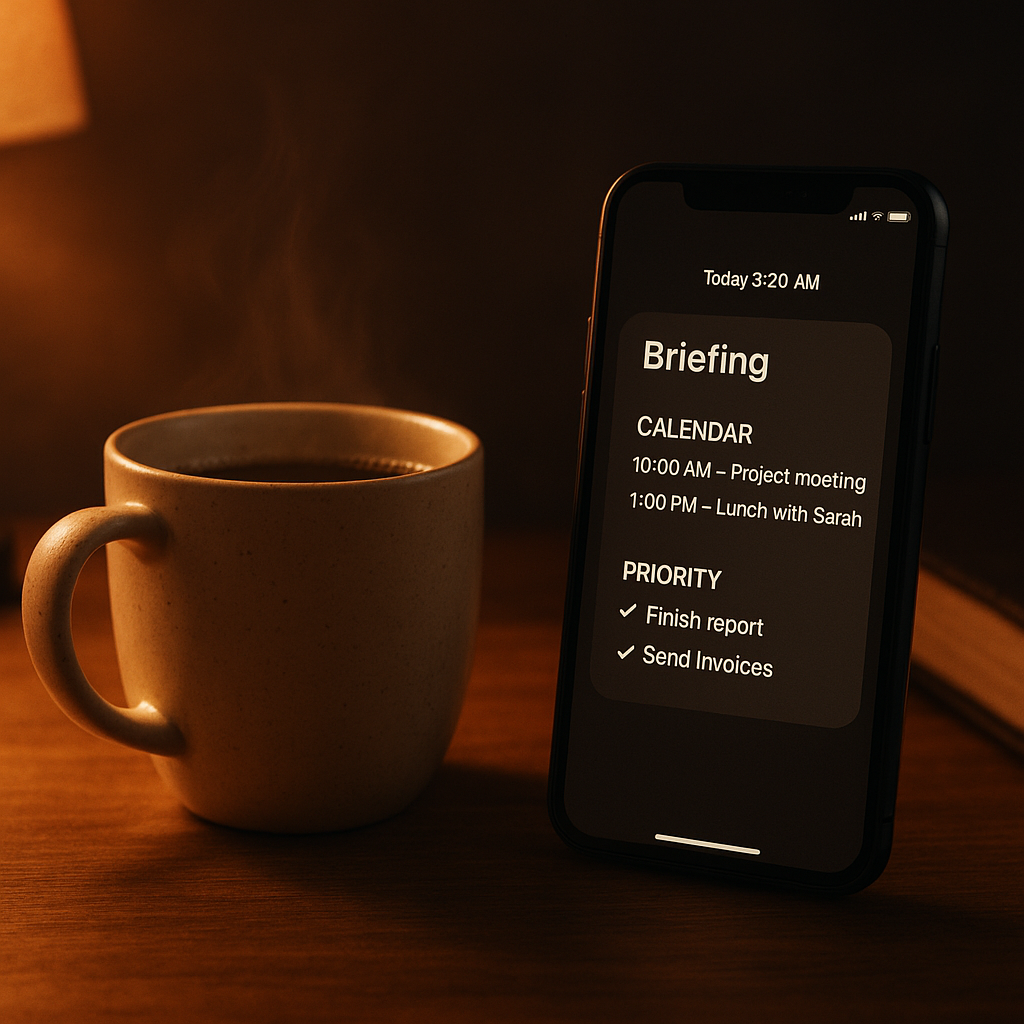
An AI daily briefing over text collapses that into one message waiting for you when you wake up. No apps to open. No context to reconstruct. Just the day, in plain language, ready to act on.
What an AI daily briefing is
An AI daily briefing is a structured morning summary compiled and delivered by your AI assistant — typically covering your schedule, outstanding communications, open tasks, and anything time-sensitive — delivered before you open your laptop.
Definition
AI daily briefing
A scheduled morning summary delivered by an AI assistant that compiles your calendar, priority emails, open follow-ups, and relevant context into a single text message — so you begin each day with full situational awareness without opening multiple apps. Related: always-on AI.
A 2024 study by Asana's Work Management Index found that knowledge workers spend an average of 58% of their workday on coordination work — emails, meetings, status updates — rather than the skilled work they were hired to do. The morning setup routine is part of that overhead. An AI briefing reduces it to near zero.
An AI daily briefing is a proactive morning summary — delivered automatically without prompting — that compiles your calendar, priority emails, open tasks, and contextual reminders into a single digest. The key word is proactive: it arrives before you ask, not after.
What a good morning briefing includes
A good briefing includes exactly what you need to make decisions for the day — and nothing that would require you to follow up with another app to understand. The standard components:
- Today's calendar. All meetings, with times and any prep notes Deputy has flagged.
- Priority inbox items. Emails from the last 12–24 hours that require a response, summarized in a sentence each.
- Open follow-ups. Anything Deputy is tracking on your behalf that's pending — unanswered outreach, outstanding deliverables, waiting-on items.
- One-line priorities. Based on what's on your calendar and in your inbox, what actually matters today.
- Flagged urgencies. Anything that came in overnight that needs same-day action.
What a good briefing doesn't include: every email, every Slack message, every calendar item for the next two weeks. The goal is signal, not volume. An AI that understands your work prioritizes accordingly.
How to set up an AI daily briefing over text
Setting up a morning briefing with Deputy takes one text message. There's nothing to configure, no dashboard to set up, no schedule builder to navigate. You just tell it what you want.
Text Deputy something like this:
Example instruction to Deputy
"Every morning at 7am, send me a briefing with: today's calendar, any emails I need to respond to from the last 12 hours, open follow-ups you're tracking, and anything urgent."
Deputy confirms the standing instruction and starts the next morning. You can refine it at any time — change the delivery time, add or remove categories, ask for more or less detail — with another text. No settings menu required.
This works because Deputy is an always-on AI assistant — it runs between midnight and 7am compiling your briefing from live data, not cached summaries. By the time it arrives, it reflects what's actually true about your morning.
Wake up ready. Deputy delivers your morning briefing over text.
Tell Deputy once what you want in your morning brief. It delivers it every day, automatically.
Try Deputy Free$0 when idle. No subscription required.
What Deputy includes in a morning brief
Deputy's briefings pull from your connected systems in real time. A typical morning text from Deputy looks like this:
Example morning briefing from Deputy
Good morning. Here's your Tuesday:
Calendar: 9am — Intro call with Petra (Zenith). 1pm — Team sync (no prep needed). 3:30pm — Free block.
Priority emails (2): Marcus replied to the proposal — wants a revised timeline by Friday. Client invoice from Holloway overdue by 3 days.
Open follow-ups: Still waiting on Chris re: Q2 contract. Second follow-up queued for Thursday if no reply.
Today's priority: Reply to Marcus before the 9am call. Want me to draft a response?
That last line — "Want me to draft a response?" — is what makes it an assistant rather than a notification. It offers the next action, and you can execute it immediately by replying "yes."
Why text beats apps for morning briefings
Text outperforms apps for morning briefings on three dimensions: timing, friction, and attention.
| Manual morning routine | AI briefing via text | |
|---|---|---|
| Time to orient | 15–25 min (open email, calendar, notes) | ~2 min (read one text) |
| What's covered | Whatever you happen to see in your inbox | Everything that matters, pre-filtered |
| Consistency | Variable — depends on your energy and focus | Every day, same time, same format |
| Context switching | High — multiple apps, multiple inputs | None — single message, single channel |
| Next-action ready | No — you still have to decide and act | Yes — Deputy surfaces next actions directly |
The biggest advantage isn't the time saved — it's the mental state you start the day in. Knowing what matters before you open email means you're making decisions from a place of clarity, not reactivity. Research from the University of California, Irvine found that it takes an average of 23 minutes to recover full focus after an interruption. Starting the day in your inbox means your first 30 minutes are already lost to interruption mode.
For a complete picture of what Deputy can do throughout the day — not just mornings — see Deputy for small business or the overview of Deputy as an always-on AI.
"Someone that wants time back or an always-on personal assistant/sidekick. Usually someone that's either just lazy enough to want to do the right thing once, or a tireless self-improver and optimizer."
Louis Amira
Founder & CEO, Deputy / Circuit & Chisel
FAQ
What is an AI daily briefing?
An AI daily briefing is a morning summary delivered by your AI assistant — covering your schedule, priority emails, open tasks, and anything time-sensitive — so you start each day with full context before opening any app. Delivered over text, it reaches you before you're at your laptop.
How do I set up a morning briefing with Deputy?
Text Deputy once: "Every morning at 7am, send me a briefing with my day's calendar, any priority emails from the last 12 hours, and open follow-ups." Deputy confirms the standing instruction and starts delivering the next morning. You can adjust the time, content, and format at any point with a follow-up text.
Why is text better than an app for morning briefings?
Text arrives in the same channel you check first — your messages. There's no app to open, no notification to find buried in a feed. You read the brief the same way you'd read a text from a colleague. It's also less context-switching: you get the information and move forward, rather than being pulled into an interface.
Can Deputy brief me on more than just my calendar?
Yes. You can customize your Deputy briefing to include any combination of: today's meetings, outstanding follow-ups, priority inbox items, research you requested the night before, news or updates on topics you're tracking, and specific reminders or goals. You define the scope in plain language and Deputy delivers it.
Louis Amira
CEO, Circuit & Chisel
Louis builds AI infrastructure for autonomous agents. Deputy is Circuit & Chisel's personal AI assistant product, built on the ATXP agent platform.