Guide
AI Productivity Tools in 2026: The Ones That Actually Save Time
Everyone has AI tools now. Fewer people have AI that reduces their workload. The gap between the two is not about which tools you use — it is about whether you are still the one doing things after you use them.
Louis Amira
CEO, Circuit & Chisel
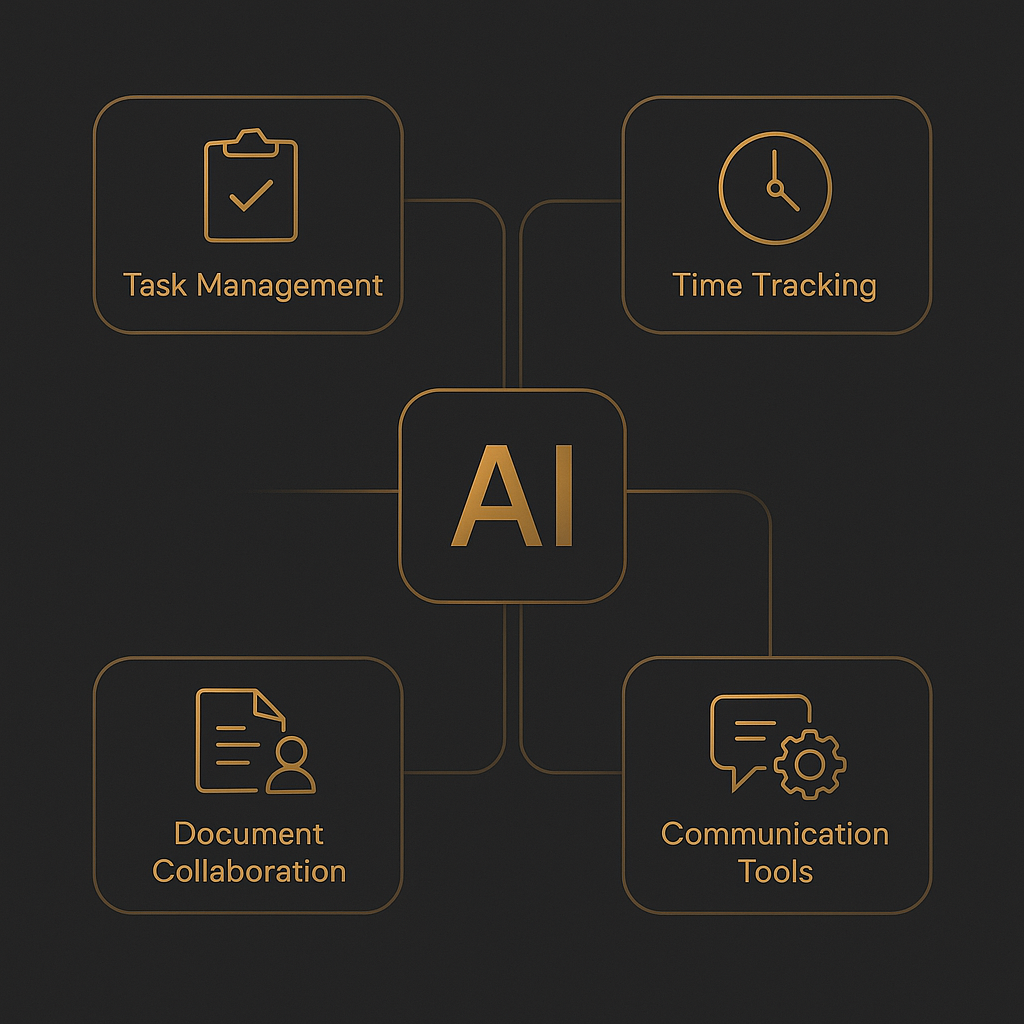
AI productivity tools are everywhere in 2026. Your writing is faster. Your research takes less time. Your notes are searchable. But if you look at your actual workload — the follow-ups you still need to send, the meetings you still need to schedule, the tasks that still require your active attention — most people find that AI has made them faster at the work they were already doing, not reduced the amount of work they have to do.
That is a meaningful distinction. Speed is valuable. But removing tasks entirely is more valuable. This guide maps the five categories of AI productivity tools and is honest about which ones genuinely reduce your workload versus which ones just make you more efficient at carrying it.
The term "AI productivity tool" covers a wide spectrum. At one end: writing assistants that help you draft faster. At the other: autonomous AI agents that take actions on your behalf without you initiating them. The tools that genuinely reduce your workload sit at the action-taking end of that spectrum — they do not just accelerate work you are already doing, they remove tasks from your list entirely. Most tools people call "AI productivity tools" are closer to the writing-assistance end than the autonomous-action end.
By the numbers
77%
of executives report AI has increased workforce productivity in at least one business area, per the McKinsey State of AI 2024
3+
AI subscriptions the average knowledge worker now pays for simultaneously, per the Productiv 2025 SaaS Benchmark Report — most of them writing or research tools with overlapping capabilities
40%
of working hours involve activities that could be automated with current AI technology, per Harvard Business Review — but only action-taking AI actually automates them
The 5 categories of AI productivity tool — and what each one actually changes
Before comparing individual tools, it helps to understand the categories. Each one reduces a real type of friction. Not all of them reduce the same kind, and understanding the difference is the key to building a stack that actually cuts your workload rather than just making your existing work feel more advanced.
1. Writing assistants
Best examples: ChatGPT, Claude
Writing assistants are the most widely used AI productivity tools in 2026. ChatGPT and Claude can draft emails, summarize documents, write reports, generate ideas, and edit copy — faster than any human can produce first drafts. They are genuinely valuable for anyone who writes as part of their job.
Saves time on
First drafts, edits, reformatting, brainstorming, summaries, and anything that would otherwise start from a blank page.
Still requires you to...
Open the tool, prompt it, review the output, and actually send, post, or act on whatever it produced. You are faster, but you are still in the loop on every step.
2. Research tools
Best examples: Perplexity, Google Gemini
Research tools collapse the time between "I need to know something" and "I have a sourced answer." Perplexity searches the live web, synthesizes results, and cites sources inline — replacing 20 minutes of tab-switching with a 30-second query. Gemini does similar work within the Google ecosystem, surfacing relevant docs and emails alongside web results.
Saves time on
Fact-finding, competitive research, background reading, source collection, and any task where you'd otherwise search, read, and synthesize manually.
Still requires you to...
Initiate the search, evaluate the results, and use the information yourself. Research tools make you faster at gathering information — but the decisions and actions that follow still require you.
3. Workflow automation
Best examples: Zapier AI, Make.com
Workflow automation tools eliminate repetitive, rules-based tasks by connecting your apps and defining triggers. Zapier AI and Make.com can move data between systems, fire notifications, create records, and run multi-step sequences automatically. For predictable, structured tasks, they are highly effective.
Saves time on
Repetitive data-moving tasks, notifications, CRM updates, and anything that follows a consistent "if this, then that" pattern.
Still requires you to...
Design and maintain the workflows. Automation breaks when conditions change, and someone has to debug it. High upfront setup cost for each automation you want to run.
4. Note-taking and knowledge management
Best examples: Notion AI, Obsidian
AI-enhanced knowledge management tools make your existing notes more useful. Notion AI can answer questions against your workspace, generate summaries from meeting notes, and draft pages based on your existing content. These tools are genuinely valuable if you already live in a structured knowledge system.
Saves time on
Retrieving information you already captured, summarizing meeting notes, and drafting pages based on existing docs and context.
Still requires you to...
Maintain the knowledge base. The AI is only as good as the notes you put in. The tool is passive — it helps you find and use information, but does not take action based on it.
Category 5 — Action-taking AI
Deputy removes tasks. Other tools speed them up.
Follow-up emails sent. Meetings scheduled. Reminders fired. Deputy works via text message and handles execution — $0 when idle, no subscription needed.
Try Deputy Free5. Action-taking AI
Best example: Deputy
Action-taking AI is the category that actually removes tasks from your list rather than helping you complete them faster. Deputy is a personal AI assistant that works via text messages — no app to open, no prompt to send. It follows up with leads when you said it would, blocks your calendar based on context, fires reminders before they matter, and sends emails on your behalf. You do not initiate it; it operates autonomously. For a deeper look at what makes this different, see AI that acts vs. AI that chats.
Saves time on
Follow-ups, scheduling, reminders, lead management, recurring communications — tasks that require timing and judgment, not just speed.
Still requires you to...
Set context and boundaries for what Deputy handles. It is not a replacement for strategic thinking — it handles execution of known tasks, not decisions about unknown ones.
Side-by-side: all 5 categories compared
The key column is "still requires you to" — that is where you see whether a tool removes work from your plate or just makes the work you are already doing faster.
| Category | Best tool | Saves time on | Still requires you to... |
|---|---|---|---|
| Writing assistants | ChatGPT, Claude | Drafting, editing, summarizing | Prompt, review, and send everything manually |
| Research tools | Perplexity, Gemini | Fact-finding, sourced answers | Initiate every search; act on findings yourself |
| Workflow automation | Zapier AI, Make.com | Repetitive rules-based tasks | Design, maintain, and debug every workflow |
| Knowledge management | Notion AI, Obsidian | Retrieval, meeting summaries | Maintain the knowledge base; tool is passive |
| Action-taking AI | Deputy | Follow-ups, scheduling, reminders, execution | Set context — Deputy handles the execution |
The key insight: most AI tools make you faster. One category removes tasks entirely.
Categories 1 through 4 — writing assistants, research tools, workflow automation, and knowledge management — all improve your output on tasks you are already doing. That is not a small thing. Faster drafts, better research, less repetitive manual work, and more accessible knowledge all compound over time.
But none of those categories remove tasks from your list. When you are done using them, you are still the one who sent the email, handled the follow-up, scheduled the meeting, and moved things forward. The tools reduced friction at each step. They did not eliminate the steps.
Category 5 — action-taking AI — is different in kind. When Deputy sends a follow-up email, you did not send a follow-up email. It is gone from your list, handled by something that does not require your attention. According to McKinsey's State of AI 2024, the largest productivity gains come from AI that reduces time spent on cross-functional coordination tasks — which is exactly the category Deputy operates in.
The practical implication: if you already have a writing tool and a research tool and you are still feeling overwhelmed, the missing layer is execution, not generation. The tools that generate faster output do not help you when the problem is too many things that need doing, not too little time to write them.
How to build an AI productivity stack that actually reduces your workload
The trap most people fall into is adding more AI tools to a stack that already has too many — each one promising to save time, each one adding a new interface to open and a new context to maintain. The result is a productivity tool that becomes its own source of overhead.
A more useful frame: start with the category that creates the most friction in your day, not the category with the most impressive demo. For most professionals, the highest-friction tasks are not writing (you are probably fast enough) or research (Perplexity handles that well). The highest friction comes from follow-through: the follow-ups that get missed, the scheduling that takes five emails, the reminders that fire at the wrong time or not at all.
| If your biggest friction is... | The right category is... |
|---|---|
| Slow drafting and writing output | Writing assistants (ChatGPT, Claude) |
| Too much time spent Googling and reading | Research tools (Perplexity, Gemini) |
| Repetitive data-entry and app-switching | Workflow automation (Zapier AI, Make.com) |
| Can't find information you already captured | Knowledge management (Notion AI, Obsidian) |
| Missed follow-ups, late responses, overloaded action items | Action-taking AI (Deputy) |
"Anything that the user can't do themselves. Don't sell the future."
Louis Amira
Founder & CEO, Deputy / Circuit & Chisel
The subscription math most productivity stacks ignore
Per the Productiv 2025 SaaS Benchmark Report, the average knowledge worker now pays for more than three AI subscriptions simultaneously. At $20 each, that is over $60 per month — $720 per year — often for tools that overlap in the categories they cover.
ChatGPT and Claude both cover writing assistance. Perplexity and Gemini both cover research. If you are paying for both a writing tool and a research tool in each category, you are almost certainly over-subscribed. The useful audit is: which tool do you actually open more than once a day, every day? Cut the ones you do not. The savings compound quickly.
Deputy's pay-as-you-go model is worth understanding in this context. There is no flat subscription to add to the stack — you pay pennies per task only on days it does work. For busy professionals who want the action-taking category without adding another flat monthly cost, that pricing model changes the calculation. For more context on AI subscription costs, see the full AI assistant comparison or the breakdown on AI productivity for small business owners.
Frequently asked questions
What are the best AI productivity tools in 2026?
The best AI productivity tools depend on what kind of productivity you need. For writing, ChatGPT and Claude are strongest. For research, Perplexity saves significant time on sourced information gathering. For workflow automation, Zapier AI and Make.com reduce repetitive tasks. For in-context knowledge retrieval, Notion AI works well if your team is already in Notion. For autonomous task execution — where the AI removes tasks from your plate rather than just helping you complete them faster — Deputy is the only consumer-priced option built for that. Most professionals benefit from one tool per category, not multiple overlapping tools in the same one.
Does AI actually improve productivity?
Yes, with an important caveat. According to the McKinsey State of AI 2024 report, 77% of executives say AI has increased workforce productivity in at least one area. But most of that improvement is speed on tasks you were already doing — writing drafts faster, researching faster, formatting faster. The larger productivity shift comes from removing tasks entirely, which requires action-taking AI, not writing or research assistance. If you have writing tools and still feel overwhelmed, the missing layer is execution.
What is the difference between an AI assistant and an AI productivity tool?
The terms overlap, but the distinction matters. An AI assistant typically responds to your prompts and generates output you then act on yourself — ChatGPT, Claude, and Gemini work this way. An AI productivity tool is broader: it includes writing assistants, research tools, workflow automators, knowledge managers, and action-taking agents. The most productive category is the last one — tools that remove tasks from your list rather than just helping you complete them faster. Most tools people call "AI assistants" are in the first category, not the last.
How does Deputy fit into a productivity stack?
Deputy handles the tasks that fall through the cracks of every other tool — follow-up emails you meant to send, reminders that needed to fire at the right time, scheduling that required back-and-forth. It works via text message, so there is no new app to open. It is not a replacement for a writing tool or a research tool — it is the execution layer. Most users pair it with a writing tool like ChatGPT or Claude for content creation and use Deputy for task completion. For more on how this works in practice, see our guide to AI that acts vs. AI that chats.