How It Works
AI Assistant Over Text Message: What Changes When AI Lives in Your Texts
Every AI assistant works the same way: you open an app, type a prompt, get a response, then do something with it. One works differently — you text it, and it acts.
Louis Amira
CEO, Circuit & Chisel
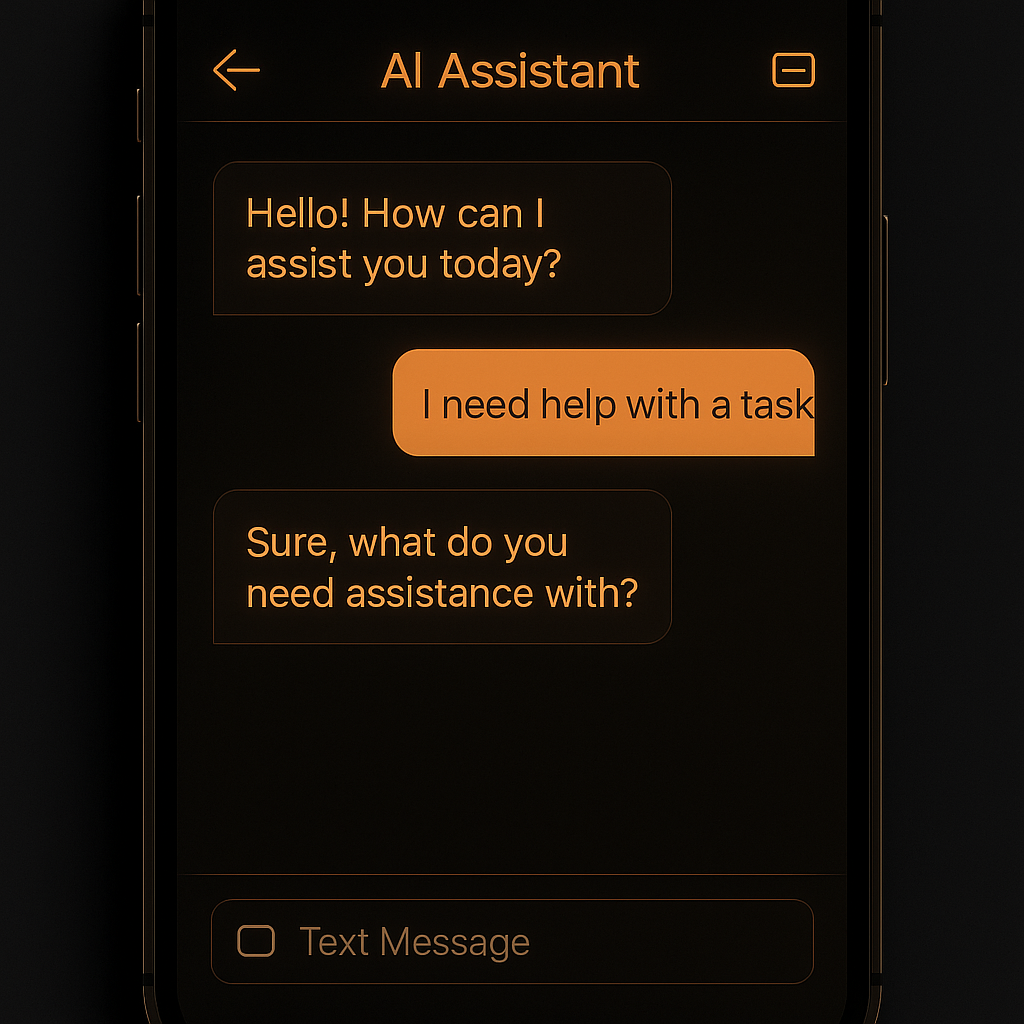
The AI assistant text message is not a new concept — but it is still an underused one. Most people interact with AI through a browser or dedicated app: open the tab, type the prompt, read the response, go do the thing the AI told you to do. That interaction model puts AI in the same category as a search engine — useful, but passive. You still do the work.
A text-native AI assistant flips that model. You text it the way you would text a person. It responds, and more importantly, it acts. Follow-up emails get sent. Meetings get scheduled. Reminders fire. You stay in the one interface you are already in all day — your messaging app — and the AI handles the rest.
By the numbers
98%
SMS open rate, versus 20% for email — per SMS Comparison
90 sec
average time to respond to a text, versus 90 minutes for email — per Mobilesquared
5.1 hrs
average daily smartphone screen time per US adult in 2025, per Statista
An SMS AI assistant is an AI system that receives instructions and delivers responses or executes actions through standard text messaging, rather than through a proprietary app or browser interface. Unlike app-based AI tools, an SMS AI assistant requires no download, no login context-switch, and no new interface to learn. It works inside the messaging layer you already use every day.
How texting an AI assistant actually works — step by step
The interaction model for a text-native AI assistant is meaningfully different from app-based AI. Here is what each looks like in practice.
| Step | App-based AI (ChatGPT) | Text-native AI (Deputy) |
|---|---|---|
| 1. Access | Open browser or app, log in, start a new chat session | Open your existing messages app, text your Deputy number |
| 2. Request | Type a detailed prompt, include context since AI doesn't know you | Send a natural message — Deputy knows your context already |
| 3. Response | AI generates text — a draft, an answer, a plan | AI either responds with information or takes the action directly |
| 4. Execution | You copy the draft, go to your email client, send it yourself | Done — Deputy sent the email, set the reminder, booked the slot |
| 5. Continuity | Session closes — next time starts from scratch | Deputy retains context across conversations, works 24/7 |
The difference is not in what the AI knows — modern chat tools are highly capable. The difference is in what happens after the AI responds. With app-based AI, you are still the executor. With text-native AI, the AI executes and you stay in your flow.
What you can do over text with an AI assistant
The range of tasks a text-native AI assistant can handle covers the most common friction points for busy people. These are the tasks that fall through the cracks when you have to open a separate tool to complete them.
-
→
Follow-up emails. Text "follow up with Sarah about the proposal" — Deputy drafts and sends the email with relevant context, without you writing a word.
-
→
Scheduling and calendar blocking. Text "block two hours Tuesday for deep work" — Deputy finds the open time and creates the event.
-
→
Reminders on your terms. Text "remind me to review the contract before end of day Thursday" — Deputy sends you a text Thursday at 4pm, no calendar app needed.
-
→
Daily briefings. Deputy can send you a morning text summarizing your schedule, open tasks, and anything that needs action today — without you asking.
-
→
Research and summaries. Text a question or a URL — Deputy researches and sends back a structured summary in your texts, no browser required.
Why the text interface changes the value equation
The reason text-native AI assistants are underrated is simple: text is the interface you are already in all day. You do not open your messages app — you are already there. Every other AI tool requires a context switch: leave what you are doing, open the tool, interact with it, come back. Multiply that by a dozen interactions a day and you have a significant hidden tax on your attention.
Text removes that tax. You text your AI the way you text a colleague — naturally, briefly, without framing it as a "prompt." The AI handles the details. The friction cost approaches zero.
There is also an always-on dimension that app-based AI cannot match. An AI assistant over text can send you a message proactively — a reminder you set two weeks ago, a follow-up it was told to fire at a specific time, a briefing it prepares each morning. App-based AI is reactive by design. Text-native AI can be proactive.
App-based AI vs. text-native AI: five key differences
For anyone deciding between an app-based AI tool and a text-native assistant, the comparison below covers the dimensions that actually affect daily use.
| Dimension | App-based AI (ChatGPT, Claude) | Text-native AI (Deputy) |
|---|---|---|
| Access method | Open app or browser, start session | Text from existing messages app |
| Response time | Seconds — after you initiate | Seconds — or it reaches you first |
| Action-taking | Generates content, you execute | Executes tasks autonomously |
| Always-on | No — session-bound | Yes — works 24/7 between conversations |
| Friction | Context switch required every time | Zero — already in your messages |
"It can be everything from your smartest friend to your most trusted colleague. Right now it will stumble on a bunch of things, but it will quickly learn from them and be able to do them next time. So anything you're going to do two or more times (and you don't love doing) — you should start training it how to do now."
Louis Amira
Founder & CEO, Deputy / Circuit & Chisel
Try it for yourself
Deputy lives in your texts
Follow-ups sent. Calendar blocked. Reminders fired. No app to open. Pay-as-you-go pricing — $0 when idle.
Get Started FreeText-native AI vs. SMS chatbots: an important distinction
"SMS chatbot" is not the same thing as an AI assistant over text. The difference matters.
An SMS chatbot is typically a rule-based system that responds to specific trigger words or menu options. It works inside a narrow script — "press 1 to track your order, press 2 to reach support." There is no intelligence, no understanding of natural language, and no ability to take complex autonomous action.
A text-native AI assistant is a full AI system that happens to use SMS as its interface. It understands natural language, retains context across conversations, connects to external systems, and can take action — all over the same text channel. The interface is SMS. The intelligence is genuine. For a deeper look at what action-taking AI actually means, see AI that acts vs. AI that chats.
Who benefits most from an AI assistant over text
Text-native AI assistants are most valuable to people who are frequently away from a computer but still need to keep things moving. Sales reps between meetings. Founders context-switching across ten things. Small business owners who cannot afford to stop and open a browser every time they need to act on something.
The pattern is the same in each case: high task volume, limited attention, strong preference for staying in one interface rather than juggling tools. Text delivers that. For more on how this plays out for small business use cases specifically, see Deputy for small business.
The other group that benefits is anyone who has tried app-based AI and found themselves not using it consistently. The access friction matters more than people expect. If you have to open a dedicated app every time, you will open it when you have time for it — which means you will not use it during the moments when it would matter most. Text removes that barrier entirely. If you want something that covers you around the clock, see also what 24/7 AI assistant coverage actually means.
Frequently asked questions
What is an AI assistant over text message?
An AI assistant over text message is an AI system you interact with through standard SMS rather than a dedicated app or browser. Instead of opening a chat interface, you text the AI directly from your phone's messaging app. The AI receives your message, interprets it, and either responds with information or takes real-world action — sending an email, scheduling a meeting, setting a reminder — on your behalf.
How does texting an AI assistant differ from using ChatGPT?
ChatGPT requires you to open an app or browser, start a session, type a prompt, and then act on the response yourself. A text-native AI assistant like Deputy requires no app — you text it from your existing messaging app, it can take action autonomously rather than just generating text, and it can work 24/7 without you initiating each conversation. The key differences are friction and action-taking capability.
Can an AI assistant work over SMS without a data connection?
SMS itself requires only a cellular signal, which means text-based AI assistants can work in conditions where app-based AI tools cannot load. Standard SMS delivery works on basic cellular coverage. The AI backend requires internet connectivity to process requests and take action, but that happens server-side — not on your phone.
What tasks can an AI assistant do over text message?
A text-native AI assistant like Deputy can send follow-up emails, schedule and block calendar time, set reminders, run research and deliver briefings, and manage recurring tasks — all initiated or confirmed via SMS. You can also ask questions and get back direct answers, the same way you would with any AI chat tool. The main advantage is that you do not have to leave your messaging app to use it.
Related reading
Ready to try text-native AI?
Deputy works from your texts — no app needed
Free to sign up. Pay only when Deputy does something for you.
Try Deputy Free